Have you ever heard your teacher say, “Here is the blooket code!” and wondered what to do next? You are not alone. Thousands of students and teachers use Blooket every single day. Learning becomes similar to playing a video game. In this guide, you will learn everything about the blooket code — what it is, how to use it, and how to make the most of every game session. Whether you are a student jumping into your first game or a teacher setting one up, this guide is made just for you.
What Is a Blooket Code?
A blooket code is a short number that lets you join a live game on Blooket. Think of it like a secret door. Your teacher opens the door by creating a game. Then they share the blooket code with the class. You type that code into the Blooket website and walk right through the door into the game. It is that simple! Each game session gets its own unique code. So every time your teacher starts a new game, a fresh blooket code is created. No two game sessions share the same number. This keeps games safe and organized for everyone involved.
How Does a Blooket Code Work?
When a teacher starts a game on Blooket, the platform automatically creates a unique blooket code. Typically, this code consists of six digits. The teacher sees it on their screen and shares it with students. Students go to play.blooket.com, type in the blooket code, and enter their name. After that, the game begins! The code works like a meeting ID. It connects everyone to the same game room at the same time. Once the teacher ends the game, that blooket code expires. You cannot use it again later. This is a smart way to keep classrooms safe and prevent strangers from joining.
Where Do You Enter the Blooket Code?
Entering a blooket code is super easy. Here’s how to accomplish it step-by-step:
- Open your browser and go to play.blooket.com
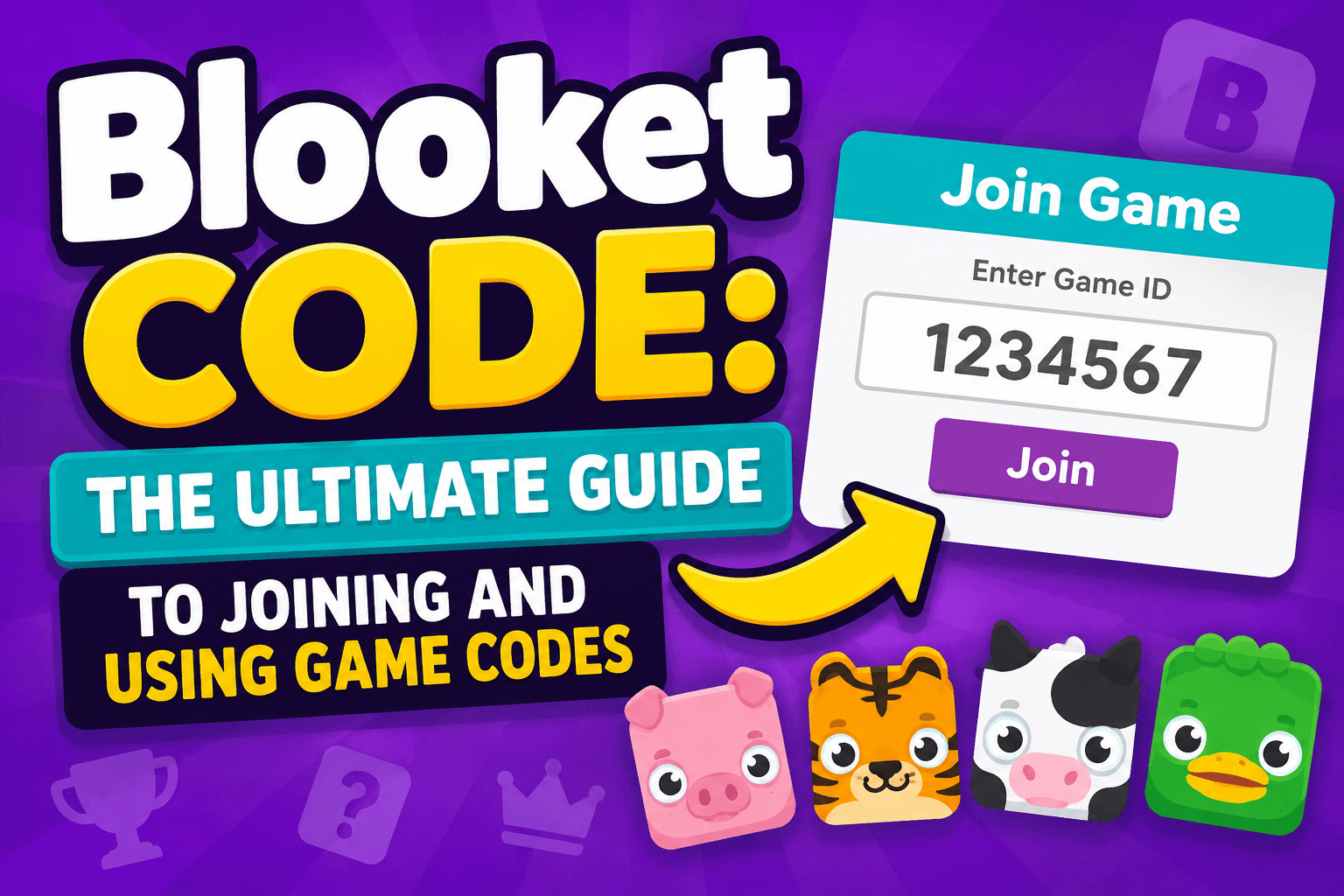
- You will see a big box that says “Game ID”
- Type in the blooket code your teacher gave you
- Click the button that says “Join”
- Enter a fun nickname for yourself
- Wait for the teacher to start the game
That is all! No apps need to be downloaded. You do not even need to create an account as a student. Just the blooket code and you are in the game. It works on phones, tablets, and computers too. Blooket was designed to be easy for everyone to use, no matter what device you have.
How Teachers Generate a Blooket Code
Teachers have a little more to do, but it is still pretty easy. First, a teacher needs a free Blooket account. After logging in, they choose a question set. This could be a quiz about math, science, history, or any other subject. Then they click “Host” and pick a game mode. Blooket has many fun modes like Gold Quest, Tower Defense, and Cafe. Once the teacher clicks “Host Now,” the platform creates a blooket code instantly. The teacher then shares this code with students. The game does not start until the teacher clicks “Start.” This gives everyone enough time to join using the blooket code.
Different Game Modes You Can Play With a Blooket Code
One of the best things about using a blooket code is getting access to super fun game modes. Here are a few well-known ones you may encounter:
- Gold Quest – Answer questions and steal gold from other players
- Tower Defense – Use correct answers to build towers and defend your base
- Cafe – Run a cafe and serve customers by answering questions correctly
- Racing – Speed through a race by giving the right answers
- Battle Royale – Compete to be the last one standing
Each game mode makes learning feel different and exciting. That is why students love joining games with a blooket code. You never know which adventure is waiting on the other side!
Blooket Code for Homework and Solo Games
Did you know you can also use a blooket code for homework? Teachers can assign Blooket games as take-home activities. They set up the game in “Homework” mode instead of a live session. Then they share a blooket code or a link with students. It can be finished by students at their own pace. This is great because it lets kids practice at their own pace. There is no pressure to answer super fast like in a live game. Homework mode tracks how each student does. Teachers can see the results later. It is a smart way to mix fun and learning outside the classroom.
Can You Find a Free Blooket Code Online?
Many students search online for a free blooket code to join a game without a teacher. Some websites do share codes from public or open games. However, these codes expire very quickly because each blooket code only lasts for one live session. So a code shared online a few hours ago is probably already gone. The best way to get a blooket code is directly from your teacher. If you want to practice on your own, you can create a free student account on Blooket. You can then explore solo modes and self-paced games without needing a code at all.
Tips for Teachers: Getting the Most Out of Blooket Codes
If you are a teacher, here are some smart ways to use blooket codes in your classroom:
- Project the code on your screen so all students can see it clearly
- Use a timer to give students enough time to join before the game starts
- Try different game modes to keep students excited about learning
- Assign homework games with a blooket code so students practice at home
- Check reports after each game to see which questions students struggled with
- Reuse question sets but generate a new blooket code each time for a fresh session
Using blooket codes regularly helps students look forward to review sessions. It turns a normal quiz into a fun competition that everyone wants to be part of.
Is Blooket Safe for Students?
Yes, Blooket is very safe. When students join using a blooket code, they only need to enter a nickname. They do not share personal information. The teacher controls the game at all times. Only people with the exact blooket code can join the session. Once the game starts, the teacher can lock the room so no new players can enter. Blooket also follows strict rules about student privacy and data. Parents and teachers can feel confident that kids are in a safe online space. The platform is designed for school use, so safety is always a top priority.
Common Problems With Blooket Codes and How to Fix Them
Sometimes things do not go smoothly. Here are some common issues and easy fixes:
Problem: The blooket code is not working Fix: Make sure you are on play.blooket.com and not the main Blooket homepage. Double-check the numbers your teacher shared.
Problem: The game already started Fix: Ask your teacher to start a new session with a fresh blooket code. Old sessions expire when the game ends.
Problem: The page is loading slowly Fix: Try refreshing your browser or switching to a different device or Wi-Fi connection.
Problem: The name box is not appearing Fix: Clear your browser cache or try using a different browser like Chrome or Firefox.
Most blooket code problems are quick and easy to fix. Do not stress — just try these simple steps first!
Why Students and Teachers Love Blooket
Blooket has become one of the most popular classroom tools in the world. And the blooket code system is a big reason why. It is fast. It is simple. And it works every single time. Students feel excited when their teacher says there is a game today. The blend of competition, fun, and learning is hard to beat. Teachers love it because it is easy to set up and the data is helpful. Parents love it because kids are actually excited about studying. Blooket hits a sweet spot that very few educational tools ever reach. It makes everyone feel like a winner — and that is a pretty powerful thing in education.
FAQs About Blooket Code
Q1: What is a blooket code used for?
A blooket code is used to join a live game on Blooket. Your teacher creates the game and shares the code with your class. You enter the code at play.blooket.com to join the session. Every game has a unique code that only works during that session.
Q2: Do I need an account to use a blooket code?
No, students do not need an account to join a game using a blooket code. You just need the code and a nickname. However, having a free student account lets you track your own stats and progress over time, which can be a fun bonus.
Q3: How long does a blooket code last?
A blooket code is only active during a live game session. The code expires when the instructor terminates the game. The same code cannot be used again. Each new game session will have its own fresh blooket code that is different from all previous ones.
Q4: Can I host my own Blooket game and create a blooket code?
Yes! If you have a free Blooket teacher or student account, you can host your own games and share a blooket code with friends. Go to your dashboard, pick a question set, and click “Host” to get started. A code will be generated automatically.
Q5: Where can I find a working blooket code right now?
The most reliable place is from your teacher during class. Some online communities share live blooket codes, but they expire very fast. If you want to play solo, create a free Blooket account and explore self-paced modes that do not need a game code.
Q6: What do I do if my blooket code says it’s invalid?
First, check that you typed the correct numbers. Then make sure you are on play.blooket.com. If it still says invalid, the game session may have already ended. Ask your teacher to start a new game with a new blooket code and try again.
Conclusion: Jump Into the Fun With Your Blooket Code!
Now you know everything there is to know about the blooket code. It is a simple but powerful tool that opens the door to some of the most fun learning games around. Whether you are a student ready to join your next class game or a teacher planning an amazing review session, the blooket code makes it all possible in seconds. So next time your teacher says “Here is the code!”, You will be fully aware of what to do. Type it in, pick your nickname, and get ready to play. Learning has never been this much fun — and it all starts with a blooket code!
About the Author