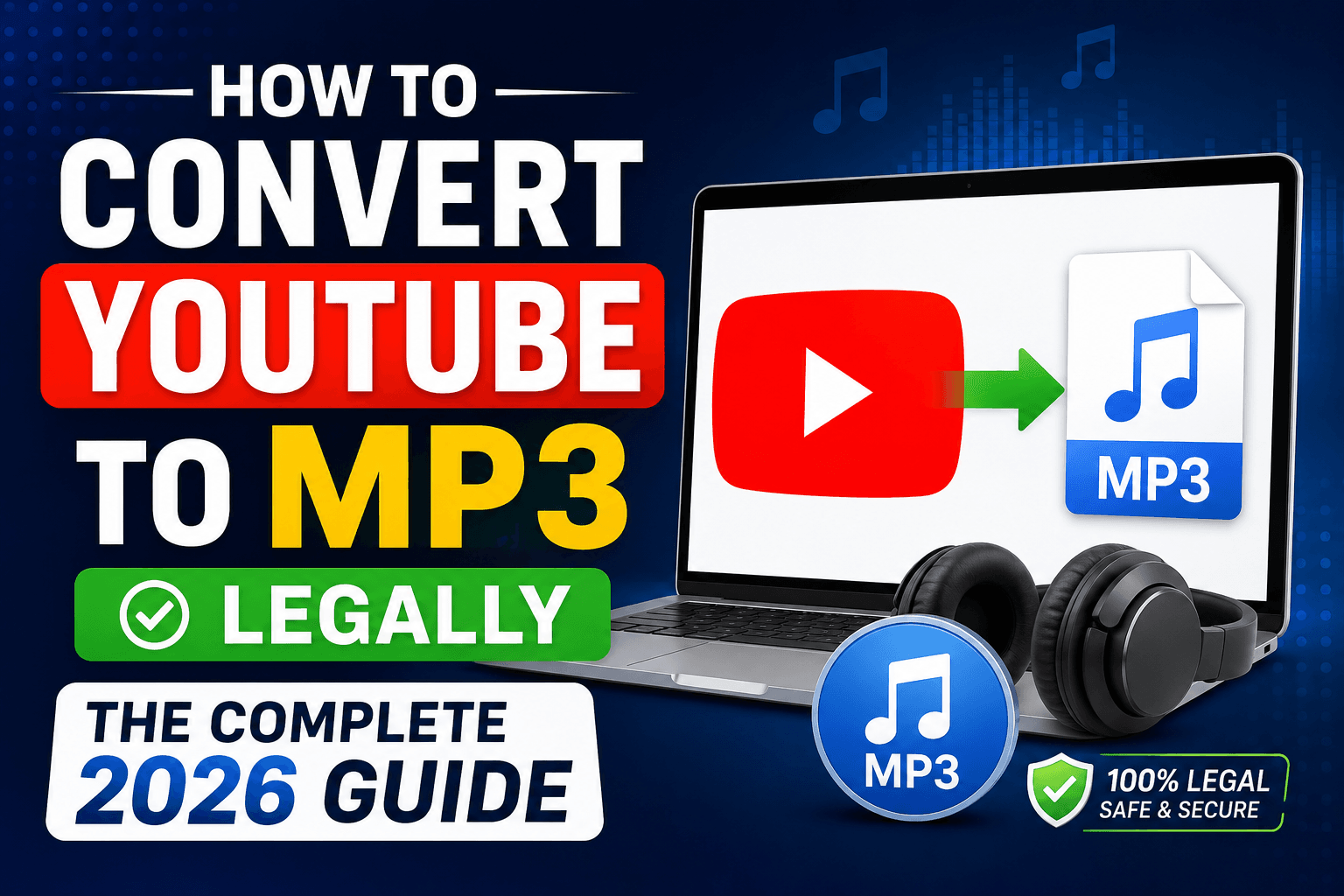
You want your favorite YouTube audio saved as an MP3, but you’re not sure what’s actually allowed. One wrong tool and you risk copyright strikes, malware, or a suspended account. This guide breaks down exactly how to convert YouTube to MP3 legally, using methods that respect creator rights and keep you safe.
What Does “Converting YouTube to MP3 Legally” Actually Mean?
Converting YouTube to MP3 legally means extracting audio from a video only when you own the rights, have explicit permission from the creator, or the content falls under public domain or Creative Commons licensing. YouTube’s Terms of Service prohibit downloading content unless a download button is provided by YouTube itself.
Many people assume any public video is free to convert. That assumption is wrong. Ownership of a video does not transfer to viewers just because it’s viewable for free.
Why Random YouTube to MP3 Converters Are Risky
Free online converters often carry hidden dangers beyond copyright issues. Here’s what you’re actually exposing yourself to:
- Malware and adware bundled inside download buttons
- Data harvesting through hidden tracking scripts
- Copyright claims against your downloaded files
- Account bans if you use browser extensions that violate YouTube’s policies
- Poor audio quality with compressed, low-bitrate output
A 2023 cybersecurity report from Kaspersky found that fake “converter” websites are among the most common vectors for browser-based malware distribution, disguising malicious scripts as free tools (source: Kaspersky Security Bulletin).
The Legal Foundation: Understanding YouTube’s Terms of Service
YouTube’s Terms of Service explicitly state that users may not “download any Content unless a download link is expressly made available by YouTube.” This single clause is the reason most third-party converters operate in a legal gray zone.
Violating this term can result in:
- Account suspension
- IP address blocking from YouTube’s servers
- Potential copyright infringement claims from content owners
You can review YouTube’s official terms directly on their platform for full clarity (source: YouTube Terms of Service).
Method 1: Use YouTube Premium’s Official Offline Feature
YouTube Premium is the only fully sanctioned way to save YouTube audio and video for offline use.
Steps:
- Subscribe to YouTube Premium through the app or website.
- Open any video or playlist.
- Tap the download icon beneath the video.
- Access saved content offline through the YouTube app’s Library tab.
This method doesn’t produce a standalone MP3 file, but it lets you legally store audio for offline listening without violating any terms.
Method 2: Download From Creators Who Allow It
Many independent musicians, podcasters, and educators offer direct MP3 downloads through their own websites, Bandcamp pages, or SoundCloud accounts.
How to find legal downloads:
- Check the video description for direct download links
- Search the creator’s official website or Bandcamp page
- Look for Creative Commons licensing mentioned in the video
Platforms like Bandcamp allow independent artists to sell or share MP3s directly, and this remains one of the cleanest legal routes (source: Bandcamp Artist Resources).
Method 3: Use Creative Commons and Public Domain Content
YouTube hosts a large library of Creative Commons-licensed videos that permit reuse, including audio extraction, depending on the specific license type.
To find Creative Commons content:
- Search for your topic on YouTube.
- Click “Filters.”
- Select “Creative Commons” under the Features section.
- Confirm the specific license terms on the video page before converting.
Not all Creative Commons licenses allow commercial use or modification, so always check the exact license (CC BY, CC BY-SA, etc.) before proceeding.
Method 4: Request Direct Permission From the Content Owner
If you want audio from a specific video that isn’t Creative Commons licensed, contacting the creator directly is the safest legal route.
A simple permission request should include:
- Your name and intended use
- Which specific video or audio you want
- Whether the use is personal, educational, or commercial
Most creators respond positively to respectful, clear requests, especially for educational or non-commercial purposes.
Method 5: Use Royalty-Free and Licensed Music Libraries Instead
If your goal is background music or audio for a project rather than a specific YouTube video, licensed libraries solve the problem entirely without any legal risk.
Popular royalty-free options include:
- YouTube Audio Library (completely free for creators)
- Epidemic Sound (subscription-based licensing)
- Artlist (unlimited use with paid membership)
This approach sidesteps the entire conversion question because you’re using content built for redistribution from the start.
Comparison Table: Legal Methods to Get YouTube Audio
| Method | Legal Status | Cost | Output Format | Best For |
|---|---|---|---|---|
| YouTube Premium Offline | Fully legal | Paid subscription | In-app only, not MP3 | Regular offline listeners |
| Creator’s Direct Download | Fully legal | Free/Paid | MP3, WAV | Music fans, podcast listeners |
| Creative Commons Videos | Legal with license check | Free | Convert manually | Educators, content creators |
| Direct Permission Request | Legal with consent | Free | Depends on creator | Specific video audio |
| Royalty-Free Libraries | Fully legal | Free/Paid | MP3, WAV | Background music, projects |
| Random Online Converters | Legally risky | Free | MP3 | Not recommended |
Copyright Risks You Need to Understand
Copyright law protects the original creator’s rights over how their work is distributed and reused. Converting a copyrighted YouTube video into an MP3 without permission can qualify as copyright infringement, regardless of whether you profit from it.
Common misconceptions:
- “It’s just for personal use” does not exempt you from copyright law in most cases.
- Legal permission is not granted by giving credit to the creator.
- Deleting the file later does not undo the infringement that already occurred.
The U.S. Copyright Office confirms that unauthorized reproduction of copyrighted material, even for private use, can still constitute infringement under federal law (source: U.S. Copyright Office, Circular 1).
Fair Use: What It Covers and What It Doesn’t
A legal theory known as “fair use” allows for the restricted unapproved use of copyrighted content in some situations, such as parody, criticism, education, or commentary.
Fair use is evaluated using four factors:
- The use’s purpose and nature (commercial vs. educational)
- Nature of the copyrighted work
- Amount and substantiality of the portion used
- impact on the original work’s market value
Simply converting a full song or video to MP3 for personal enjoyment rarely qualifies as fair use, since it typically fails the “amount used” and “market effect” factors.
How to Protect Yourself When Converting Audio
- Always verify the license status of any content before conversion
- Keep records of permission requests and creator responses
- Avoid browser extensions that request excessive permissions
- Use antivirus software if you test any converter tool
- Prefer platforms with transparent business models over “too good to be true” free tools
Best Practices for Content Creators Handling Audio Rights
If you create content yourself, protecting your own audio is just as important as respecting others’ rights.
- Register original music or podcasts with a licensing body
- Add clear usage terms in your video descriptions
- Use YouTube’s Content ID system to monitor unauthorized use
- Specify Creative Commons terms explicitly if you want to allow reuse
Frequently Asked Questions
Is it illegal to convert YouTube to MP3 for personal use?
Yes, in most cases. Even personal, non-commercial use of copyrighted content without permission can violate copyright law and YouTube’s Terms of Service, since ownership rights remain with the creator regardless of your intent.
Can I legally convert YouTube to MP3 if I credit the creator?
No. Giving credit does not grant legal permission to reproduce or distribute copyrighted audio. Only explicit permission, a Creative Commons license, or fair use qualification makes conversion legal.
What is the safest legal way to get YouTube audio offline?
YouTube Premium’s official offline download feature is the safest method, since it operates directly within YouTube’s own terms and doesn’t involve third-party tools or copyright risk.
Are Creative Commons YouTube videos safe to convert?
Yes, provided you confirm the exact license type on the video page. Some Creative Commons licenses restrict commercial use or require attribution, so checking terms before converting is essential.
Can I get in legal trouble for using a free MP3 converter website?
Yes, both the tool itself and your resulting file could expose you to malware risks and copyright infringement claims, especially if the source video isn’t licensed for redistribution.
Do royalty-free music libraries eliminate all legal risk?
Yes, when used according to their specific license terms. Libraries like YouTube’s own Audio Library are built for legal reuse, removing the copyright uncertainty tied to converting existing YouTube videos.
Final Thoughts
Getting YouTube audio doesn’t have to mean gambling with copyright law or shady websites. Stick to YouTube Premium, creator-approved downloads, Creative Commons content, or royalty-free libraries, and you’ll get the audio you want without any legal headache. Bookmark this guide, share it with anyone still using sketchy converter sites, and start building your music or podcast library the right way today.
About the Author